





Account
Profile setup
This area explains the fields we ask for before your wallet can be used.
bemototo puts Gates of Olympus, Mahjong Ways, Blackjack and MotoGP Betting in one account flow, with DANA, OVO, GoPay and QRIS ready when you…


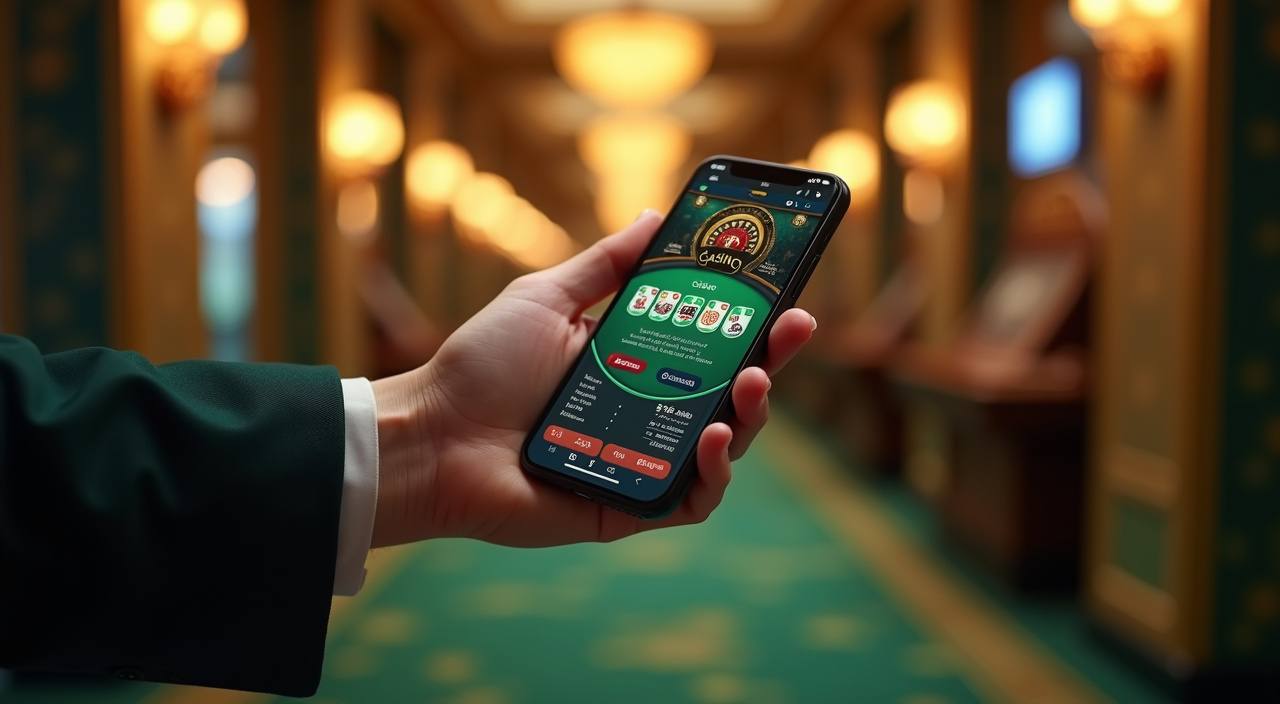
Open the lobby shot and you will see slots, live casino, table games, fishing rooms and sportsbook tiles arranged for quick switching.
Pragmatic Play, PG Soft and Habanero appear often in Indonesia lobbies, so we keep their rooms easy to spot beside other familiar studios.
Local wallet access matters because you should not need a long detour before entering the lobby.
A good home page should point you toward pages that help you act, not pages that only decorate the brand.



Your first useful check is whether your phone number, email and wallet name match before you add funds.
Use your active phone number, a working email and a password you do not reuse elsewhere. We ask for matching details so wallet checks later do not slow you down.
Your profile keeps login details, wallet records and message history in one place. Check those fields before entering the lobby, especially if you switch between phone and tablet.
The home lobby separates slots, live casino, sportsbook, fishing rooms and table games. You can browse Treasures of Aztec, Blackjack, Bingo and Crash Games from visible category tiles.
We use account prompts, session checks and wallet-name matching to reduce avoidable access issues. Keep your device lock active and sign out when using a shared screen.
Support should be easy to find before anything goes wrong. We keep live chat open around the clock, email for document or account follow-up, and mobile help inside the account menu. Send the payment rail, time and status label when you ask about a wallet request so we can trace it faster.
Use live chat for login blocks, wallet status questions and lobby access issues. The chat window is available 24/7 from the help button after you enter the site.
Email works better for account checks that need attachments or longer explanations. Include your username, registered phone number and the payment rail involved so we can review the case.
The mobile help path sits inside the account menu, close to wallet history and profile details. Use it when you need to reference a transaction while writing.
The mobile site keeps login, wallet, game categories and help in the same order you see on larger screens.
Account safety starts with ordinary details done consistently. We check wallet names, keep login prompts visible and separate support channels so the right team sees the…
The lobby is sized for phone screens first, with category tiles, wallet status and help access kept near the thumb zone. Tablet and wider screens use the same account path.
We watch for session changes and ask you to sign in again when needed. That reduces the chance of an old browser tab being used after your session changes.
Withdrawal requests are checked against the account name and selected rail. If the details do not line up, support may ask for a correction before processing continues.
Game rooms come from named studios and show their own rules inside the game frame. Check paytables, table limits and round rules before you place a stake.
A single home lobby saves time because your account, wallet records and help history remain in one place.
Your login, wallet and messages stay tied to the same profile. That makes it easier to follow a withdrawal request or return to a game category later.
Slots, live casino, fishing rooms and sportsbook access are labelled from the lobby. You do not need to remember where a title was hidden last time.
DANA, OVO, GoPay and QRIS requests show status inside the wallet view. That record is easier to discuss with support than a separate screenshot trail.
The home page points to account setup, games, wallet and help without making you open multiple sources. Fewer open pages mean fewer missed steps.
Phone and tablet views keep the same order for login, lobby, wallet and support. You can switch devices without learning a different menu.
When you contact us from the account area, your question can reference profile and wallet details. That helps the team understand the issue faster.
Different rooms explain outcomes in different ways, so we separate category notes instead of flattening every game into the same promise.
Slot rooms such as Treasures of Aztec and Mahjong Ways display feature rules, volatility notes or paytable screens inside the game window.
Live tables such as Blackjack run through streamed dealer rooms, with table limits and round rules shown before you take a seat.
Crash Games use a visible multiplier path and a cashout decision before the round ends. Read the round screen before joining.
Fish Hunter style rooms show target values and weapon costs inside the room, so your stake choice is visible before firing.
MotoGP Betting and other markets show odds, bet slip details and settlement status in the sportsbook area before you confirm your selection.
We built the home page for Indonesia, with local wallet names, English copy for an Indonesian audience and account paths that work from common mobile browsers. Access depends on local law, so availability can vary by location and network. If you open the site from Yogyakarta, check the same visible cues as anywhere else: login status, wallet rail, game room rules and the help button before you commit to a session.
The home page should show the parts of the service that matter before you create habits around it.
These answers focus on the home page, account start and the practical checks you can make before entering the lobby. For anything tied to a live wallet request, use the support channel inside your account so the team can see the right context.
Use the home page from the top down: first confirm the brand, then scan game categories, then check wallet rails and support access.
The header gives you account entry, lobby access and help in one row.
The lobby area separates casino, slots, sportsbook and fishing rooms.
The wallet view shows DANA, OVO, GoPay and QRIS options with status labels.
If something looks unclear, contact support before repeating a failed action.